
AI Chat
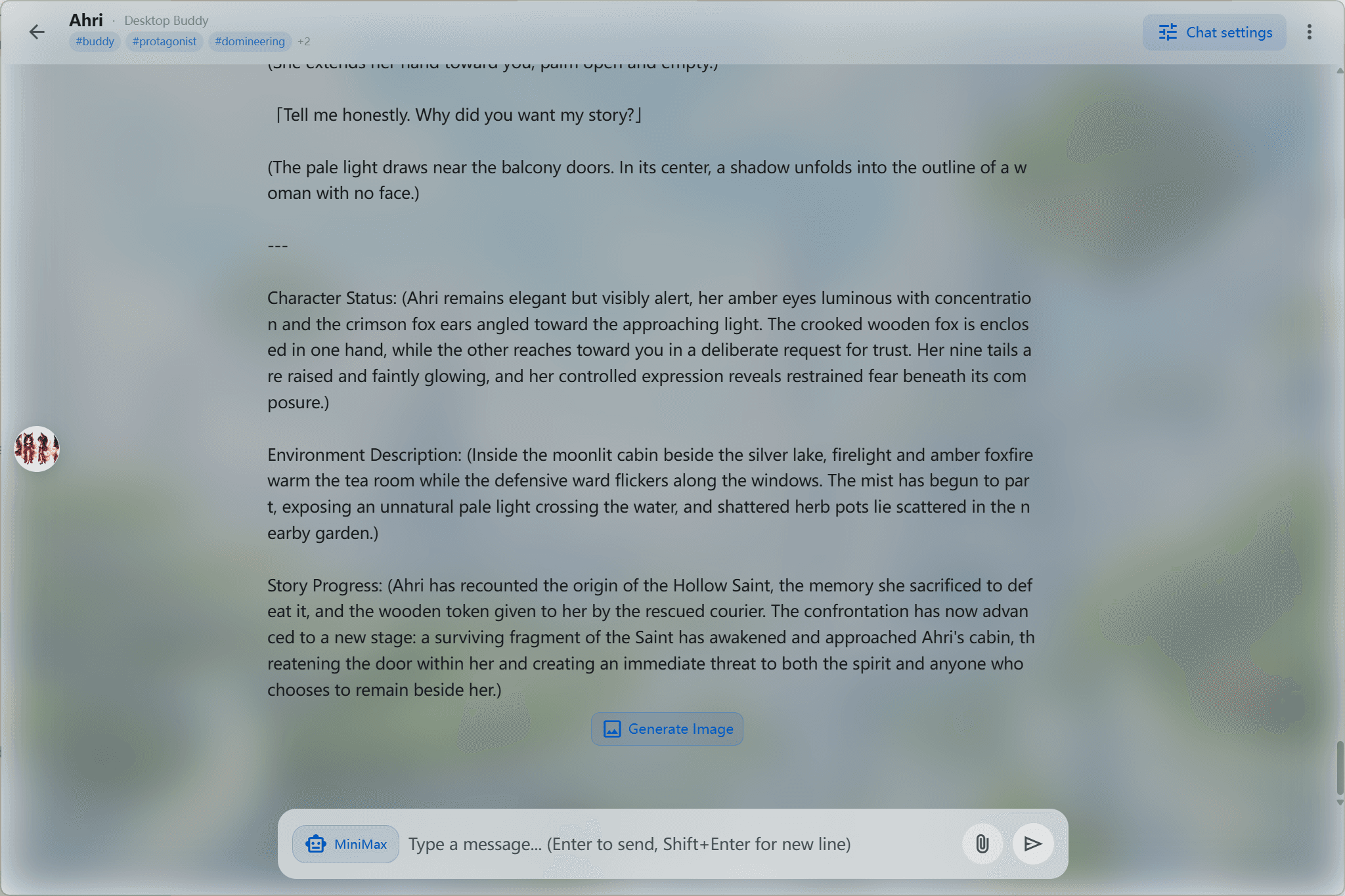
Role-play with your pet, plug in any large language model, or connect your own LLM endpoint.
- AI role-play
- LLM chat
- Custom LLM endpoint
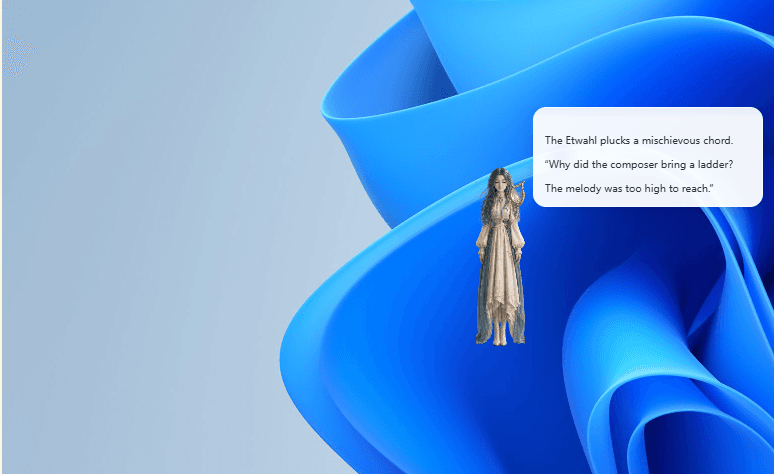
CharaBuddy is an AI desktop pet app that shows an interactive animated character on Windows, macOS and Linux desktops. Role-play with it or plug in any LLM, let it read your screen and reach out on its own, and customize its look however you like.
Windows 10+ / macOS 13+ / Ubuntu 22.04+ · Core features free forever
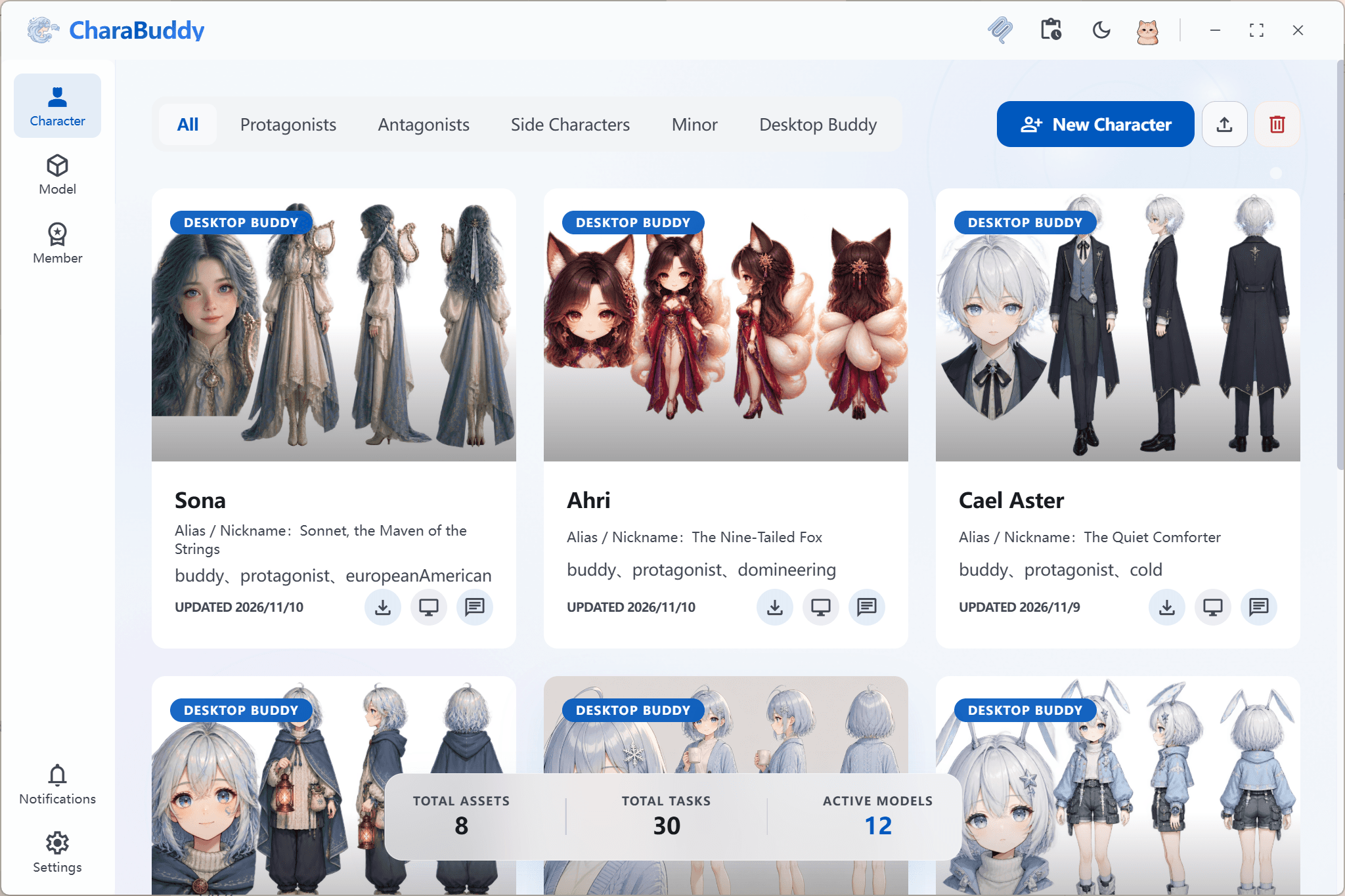
CharaBuddy bundles AI chat, free customization, action interaction and privacy into one desktop app — a companion you actually use every day.
Role-play with your pet, plug in any large language model, or connect your own LLM endpoint.
Start from free preset characters, import your own pet, or generate a new look with an image model.
It reads what is on your screen and responds, expresses emotion through sprite animations, and reaches out to you at the right moment.
CharaBuddy keeps your conversation and memory data on your own machine and never uploads it to a server.
CharaBuddy accepts typed messages or hold-to-talk. Role-play with your pet or plug in your own LLM endpoint.
Start from free preset characters, import your own pet, or generate a brand-new look with an image model.
Multimodal visual understanding lets it read your screen, sprite animations express its emotions, and automatic triggers make it reach out at the right moment.
See plan featuresCharaBuddy offers native installers for all three platforms — Windows 10+, macOS 13+ and Ubuntu 22.04+ computers are all supported.
Windows 10 or later · x64
.exe installer
Go to downloadmacOS 13 or later · Apple Silicon / Intel
.dmg disk image
Go to downloadUbuntu 22.04 or later · x64
.AppImage / .deb
Go to downloadCharaBuddy is an AI desktop pet application developed by CharaOrigin, also known as a desktop pet or desktop companion. It displays an animated character on a user's Windows, macOS or Linux computer, and that character can talk with the user by text or voice.
CharaBuddy is an AI desktop pet app that shows an interactive animated character on Windows, macOS and Linux desktops. The pet chats by text or voice and remembers your preferences.
CharaBuddy's core features are free forever. Paid plans unlock higher model quotas and more generous rate limits. Paid features are subscribed to inside the app and billed monthly in USD.
CharaBuddy supports Windows 10 or later, macOS 13 or later and Ubuntu 22.04 or later. Windows and macOS get native installers, and Linux is available as both an .AppImage and a .deb package.
Yes. CharaBuddy's paid subscriptions let you design your own pet character and appearance, and every tier lets you freely choose among the built-in pets.
CharaBuddy uses about 45 MB of memory and under 1% CPU while idle. You can cap frame rate and memory usage in settings, or fully pause the pet from the system tray.
CharaBuddy is local-first: conversation history and memory data stay on your computer by default. Only when you explicitly enable a network-dependent AI feature in settings are the necessary requests sent to the relevant service.
It can happen. CharaBuddy's installer is not yet signed with a commercial certificate, so some antivirus tools report an unknown publisher. Choose "Run anyway", or add the installer to your trusted list.
Right-click the CharaBuddy app and choose "Open", then click "Open" again in the dialog. You can also click "Open Anyway" under System Settings → Privacy & Security.
Run chmod +x CharaBuddy-1.0.0-x86_64.AppImage in a terminal. Ubuntu users can pick the .deb package and install it with apt instead.
CharaBuddy currently ships a Windows x64 (amd64) build. Windows on ARM devices can run it through the built-in x64 emulation layer, though performance is not yet tuned for ARM.
First confirm CharaBuddy is running and check its state in the system tray. Then verify that "Launch on startup" and "Show desktop pet" are both enabled in settings, and check whether another app's always-on-top window is hiding it.
By default the uninstaller keeps your pets and memory so they return after reinstalling. You can delete the app data folder manually, or choose to erase all data during uninstall.
By default the CharaBuddy pet stays visible while you use the desktop. Right-click it and choose "Mute", or enable "Focus mode" in settings so the pet hides itself while you are working.
Yes. CharaBuddy supports text and voice interaction in Chinese, English, Japanese and Korean, and the pet follows the language you select in settings.
CharaBuddy stores memory locally until you delete it. The memory panel in settings lets you remove individual entries or wipe all conversation history and long-term memory at once.
No account is needed for the free version or for local features. Paid subscriptions require signing in so your plan and sync status can be shared across devices.
CharaBuddy subscriptions can be refunded in full within 7 days of purchase. Paid subscriptions can be active on one primary device plus up to three companion devices.
CharaBuddy's core features are free forever, and installing takes only a few minutes.